
The Story of TickTad
 8 min read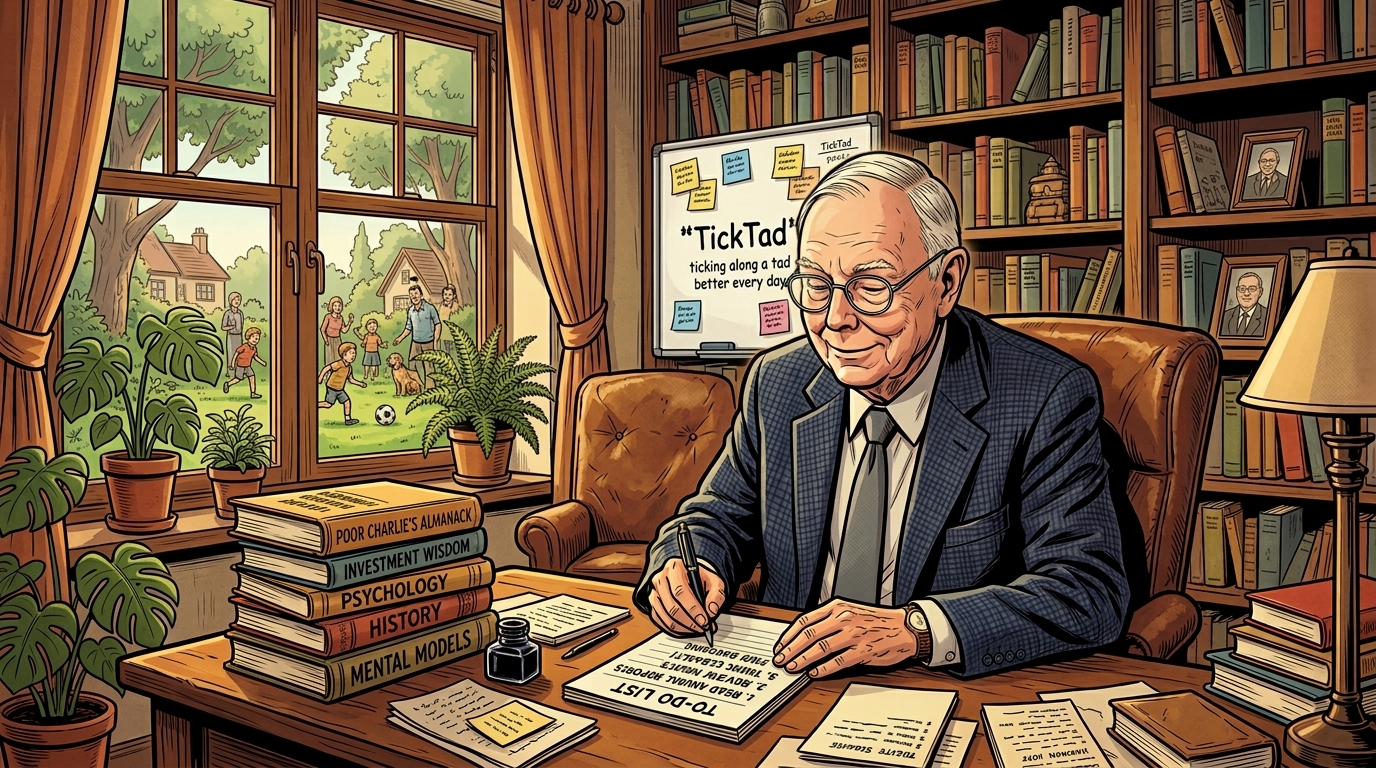
The Origin of TickTad
Life has always been a bit like a puzzle. We keep trying to fit the pieces together — here, there, rinse and repeat — and at the end of the day, we call it life. There are plenty of things we’re supposed to manage with more discipline, but we tend to overlook them. Until one day I woke up and realized: I should start small, stay consistent, and let the system carry the reminding.
So it all started from an Excel file (for the kids’ ECA and household budgeting) + three specific apps (one for personal and family tasks and to-dos, one for expense management, and one for quick idea jot-downs) + a pile of fragmented notes that I’m no longer able to find.
That’s the origin of TickTad — an app I created to accommodate my own needs, and one I’ve been using every day ever since. The workflow has been constantly refined along the way, and the modules have grown to cover every aspect of life. The development team has grown too, with generous support. And now — effectively mid-2026 — we believe it’s time to share our beloved app with more friends like us: people who want to meaningfully manage their lives with ease, and leave footprints along the way.
TickTad grows with you — from single, to partnered, to family with kids and pets. It’s life across every stage, helping us manage and document it all.
TickTad means: life is ticking along a tad better every day. It’s inspired by my favourite investor, Charlie Munger, and his famous quote: “Spend each day trying to be a little wiser than you were when you woke up.” For our daily chores, isn’t it the same — just be a tad better than we were when we woke up?
TickTad — Where to start?
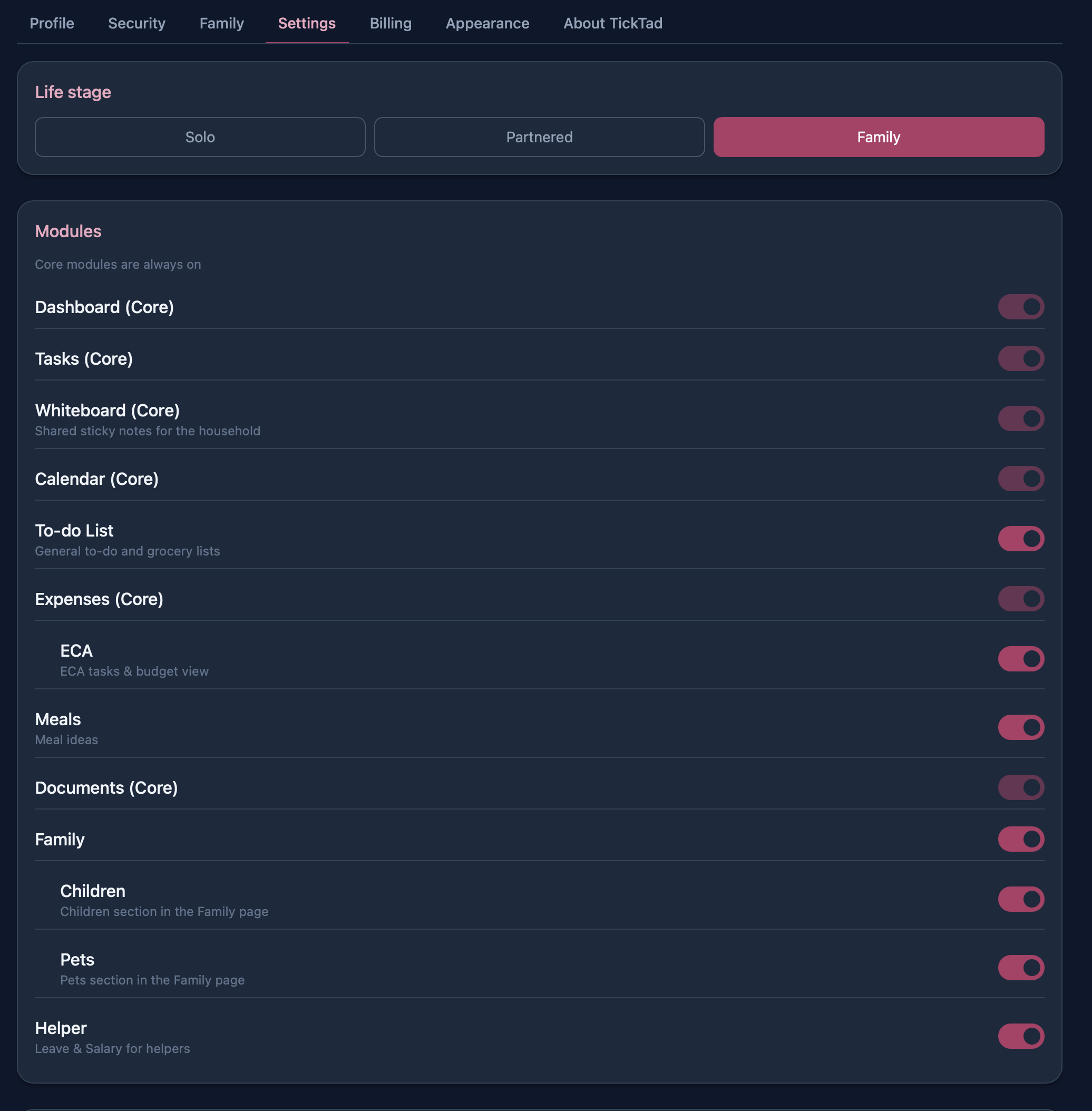
I start with the foundation: I invite my partner (with a QR code generated by the app), then activate the modules I actually need. Modules can be switched on or off at any time, so you don’t need to overthink it.
Here’s the full list of modules available to activate:
A shared calendar is the single source of truth. When everyone can see what’s assigned and what’s done, the reminders happen on their own.
There’s a comprehensive documentation site for TickTad at docs.ticktad.com — for more details, you can always refer to it, or simply send us an email.
Next Steps
TickTad currently sits at v0.8.0 — in other words, it’s still in early access. A few more major features are coming before the final release. The iOS version is in the making and should soon be available on the App Store. It’s brilliant to see it all coming together: a cross-platform, all-in-one, yet minimalist life-management app.
As a founding member, you’re more than welcome to share feedback and contribute to the TickTad’s development at this early stage. I truly believe that, with all your support and valuable feedback, TickTad will keep improving — growing with each of us as a perfect companion along the way.
Thanks for your support. Let’s make this happen.
Start small, stay consistent, and let the system carry the reminding.