TickTad for Web
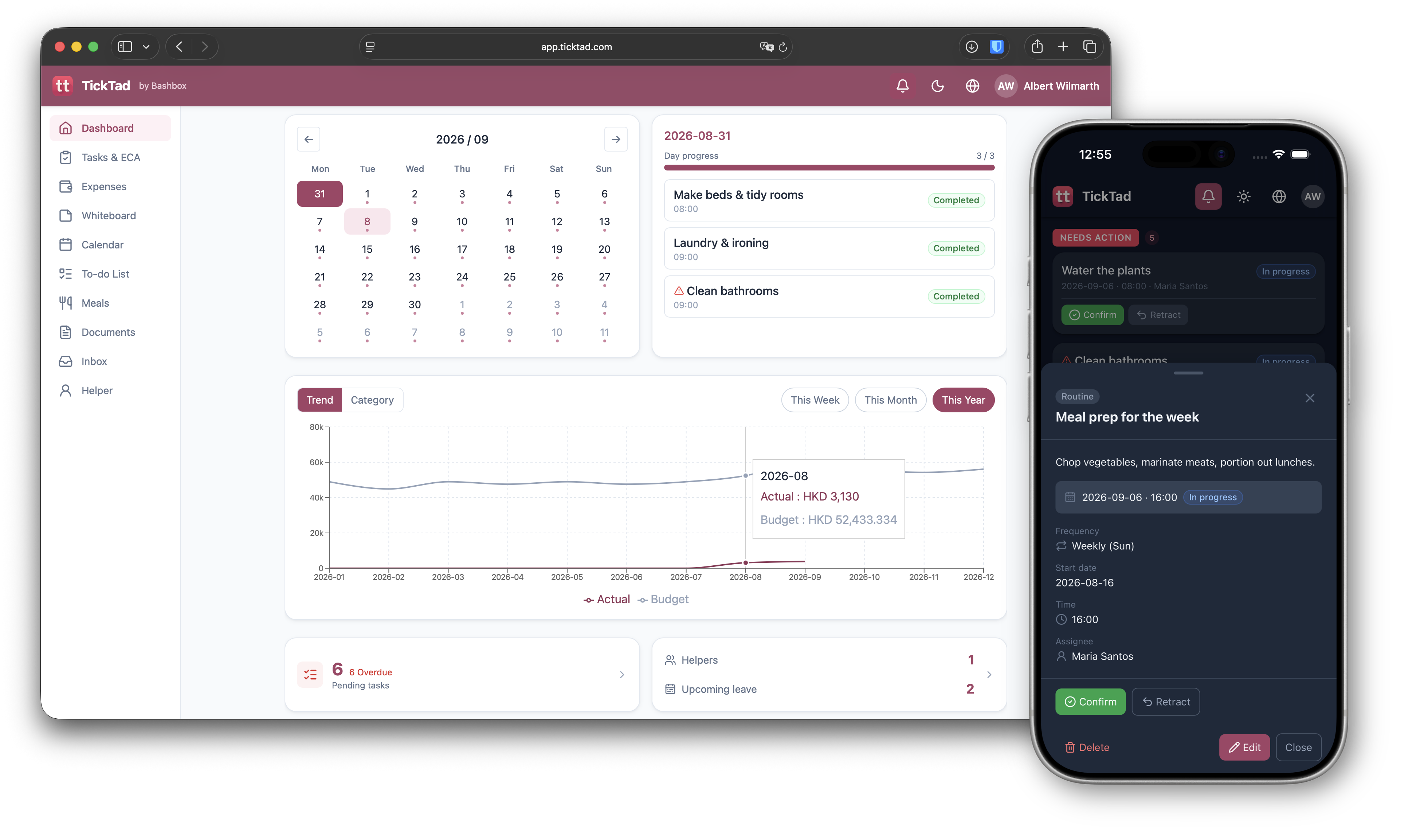
No download needed — sign in from any browser on Mac, Windows, or your phone. Everything stays in sync, free during beta.
From your first to-do list to a full family household — TickTad grows with you. Tasks, money, meals, kids, and helpers, all in one place.
Start where you are. Add people and features as your life does.
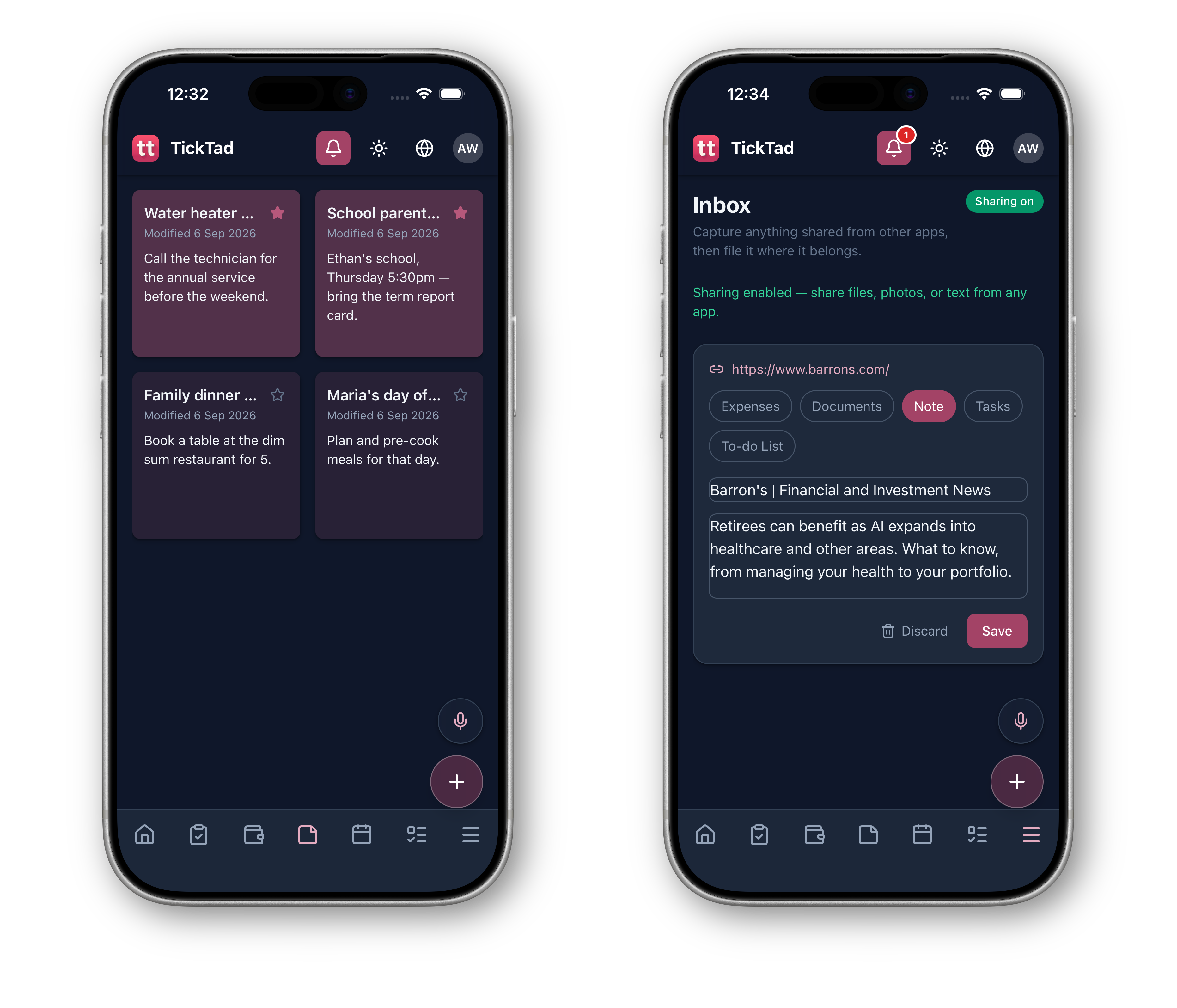
Tasks, calendar, whiteboard, to-do list, documents, and expenses — everything you need on your own.
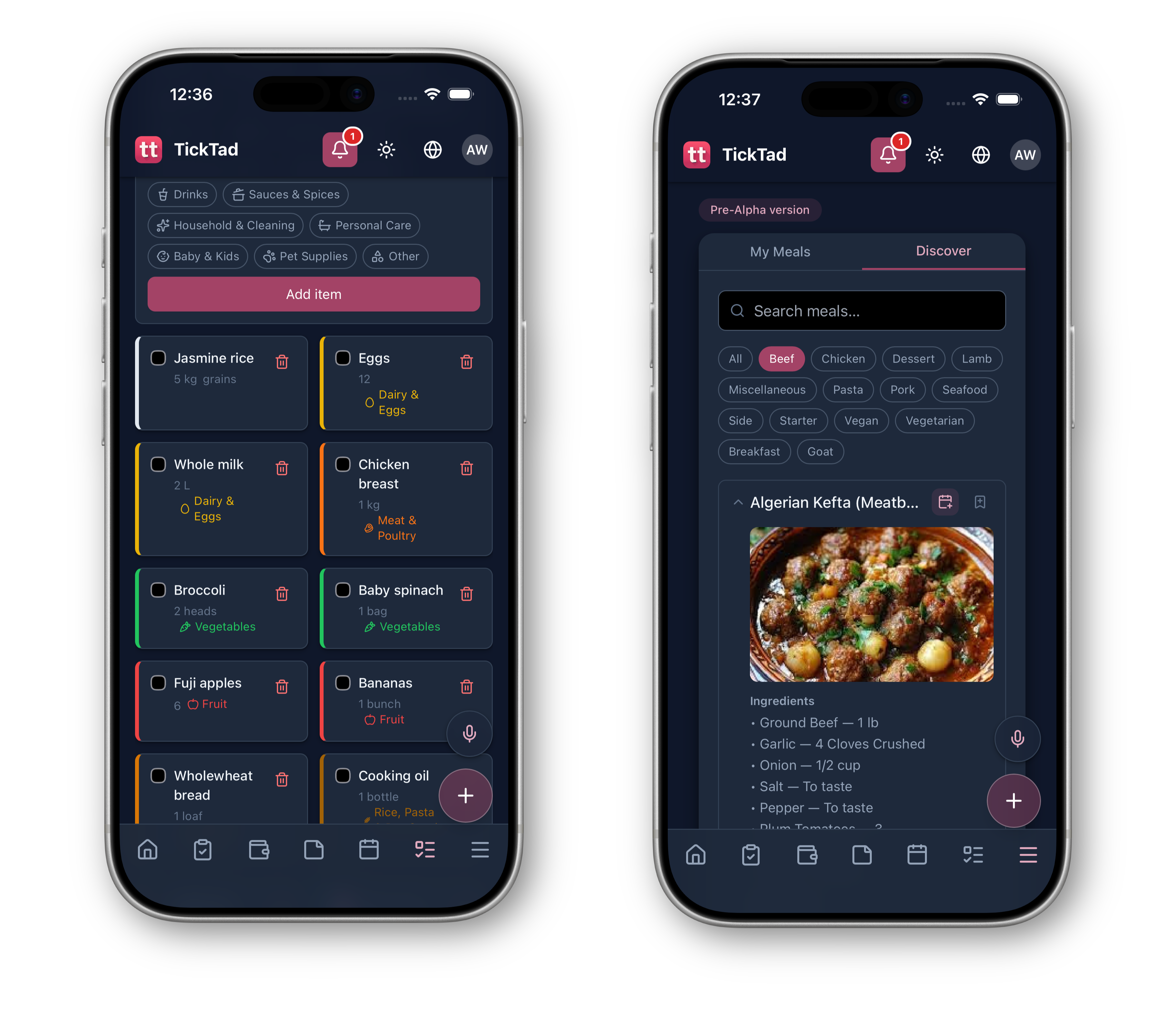
Add your partner, and share meals, meal plans, and grocery lists.
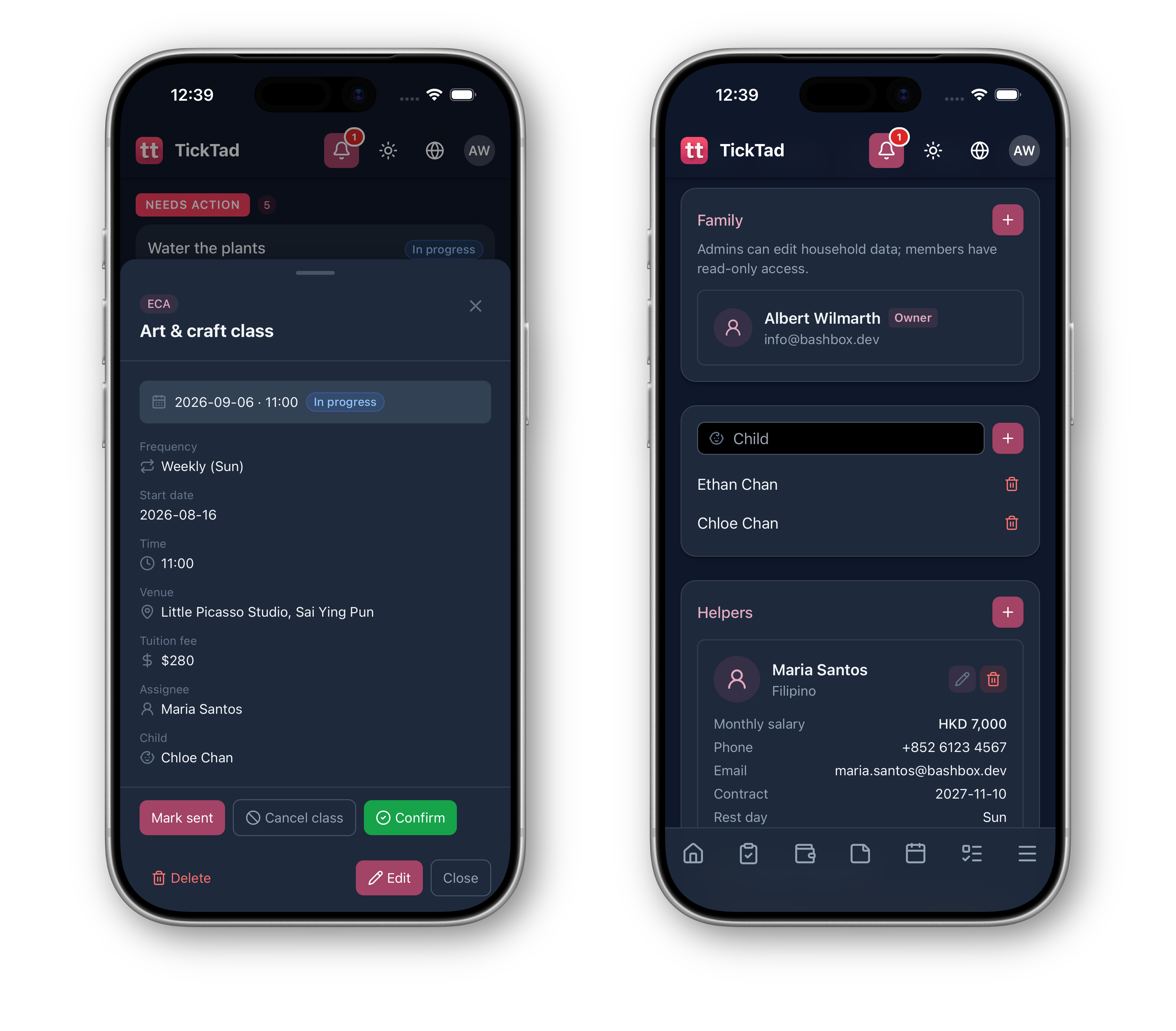
Bring in the kids, pets, and a helper — track activities and fees, and coordinate the whole household with ease.
From solo to family — TickTad covers tasks, money, food, family, and helpers.
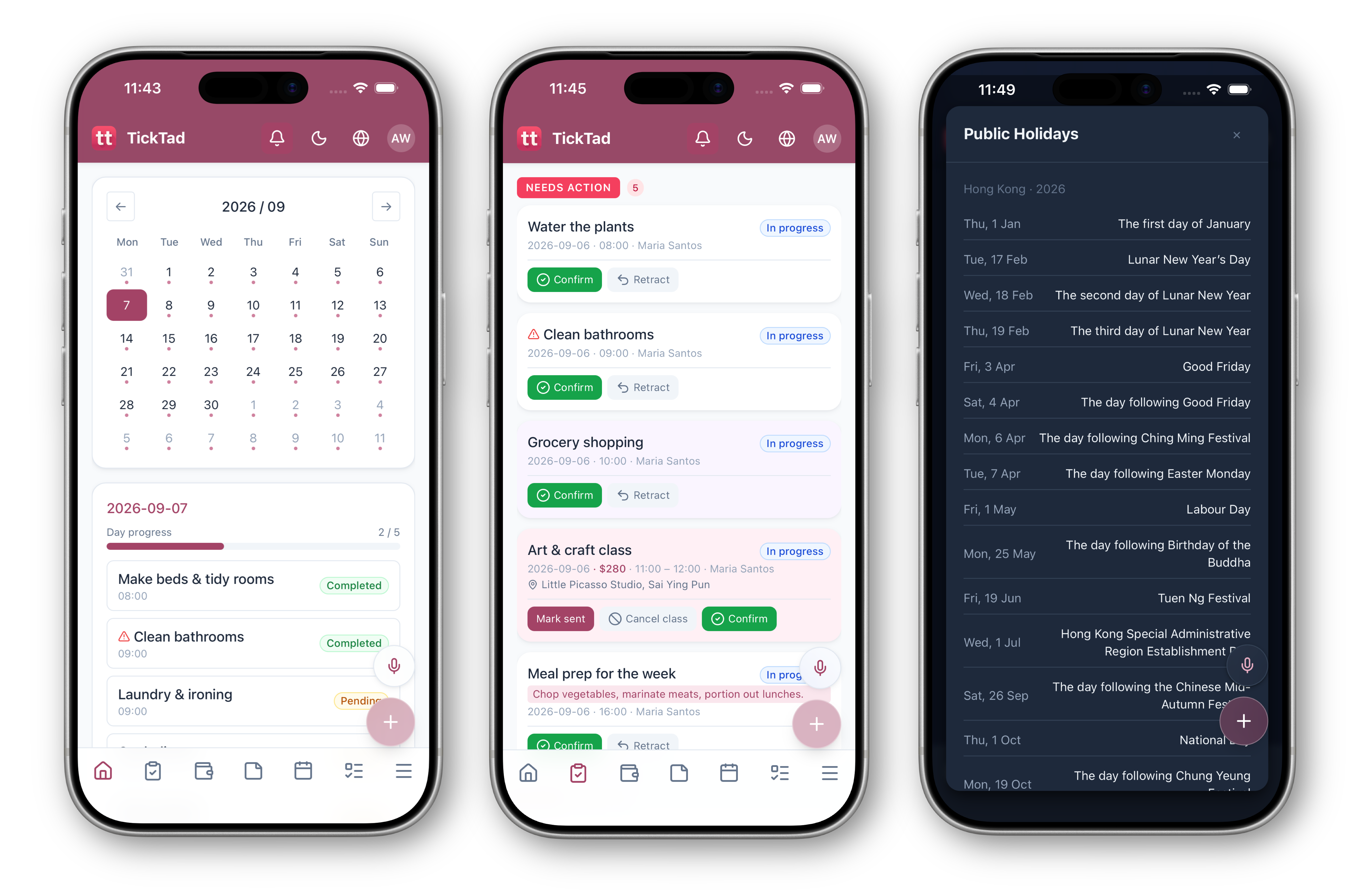
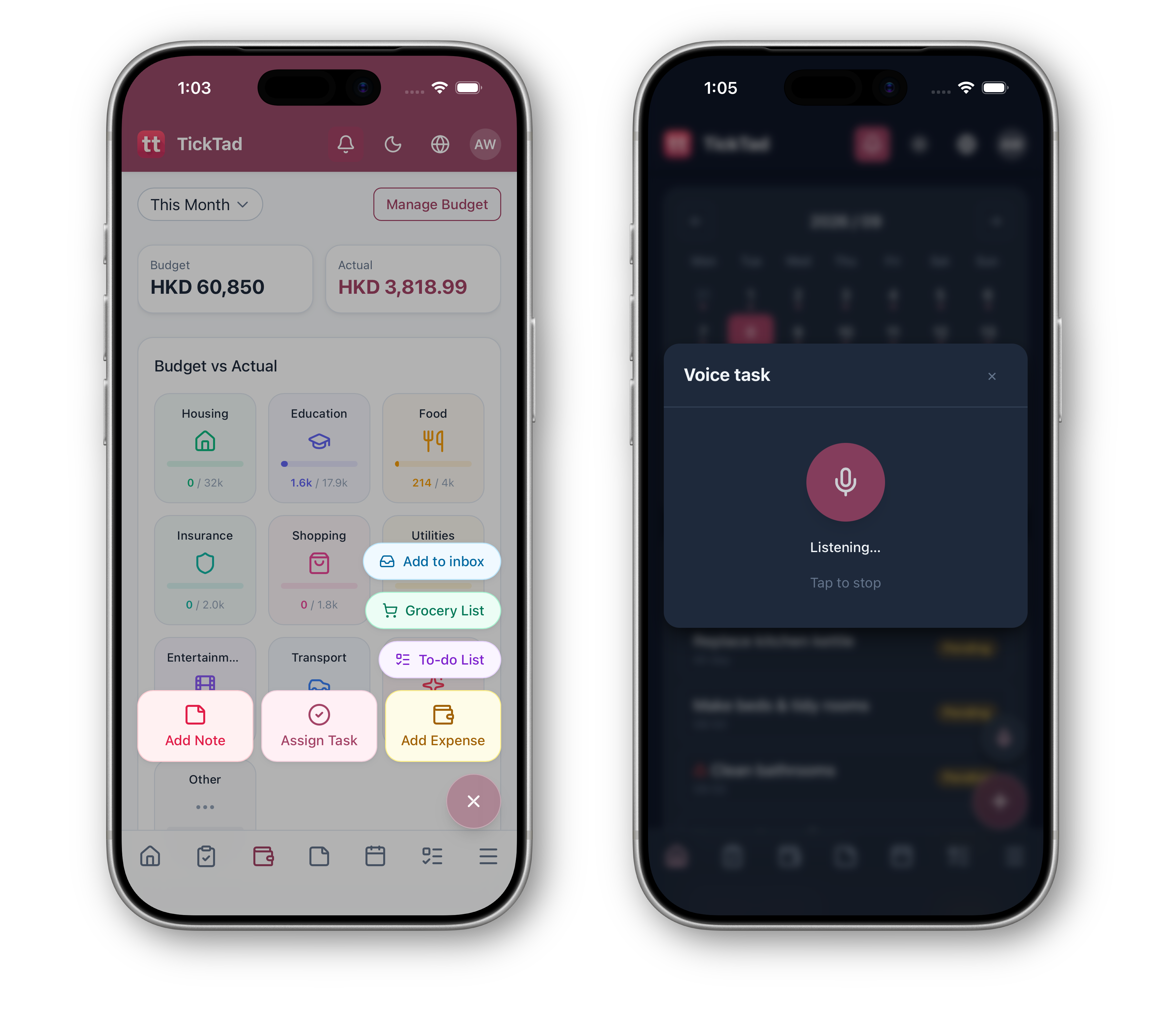
Capture tasks in seconds with quick actions and in-app voice.
One tap from anywhere to capture a task, expense, or reminder.
Speak in-app and your words are turned into a scheduled task.
Get things out of your head and into TickTad before they slip.
Your family’s information stays within your household.
Only members you invite can see your family’s space.
Encrypted in transit and stored on secure infrastructure.
Lock the app with Face ID or Touch ID.
Choose what each member can see and edit.
Nothing about your family is shared publicly.
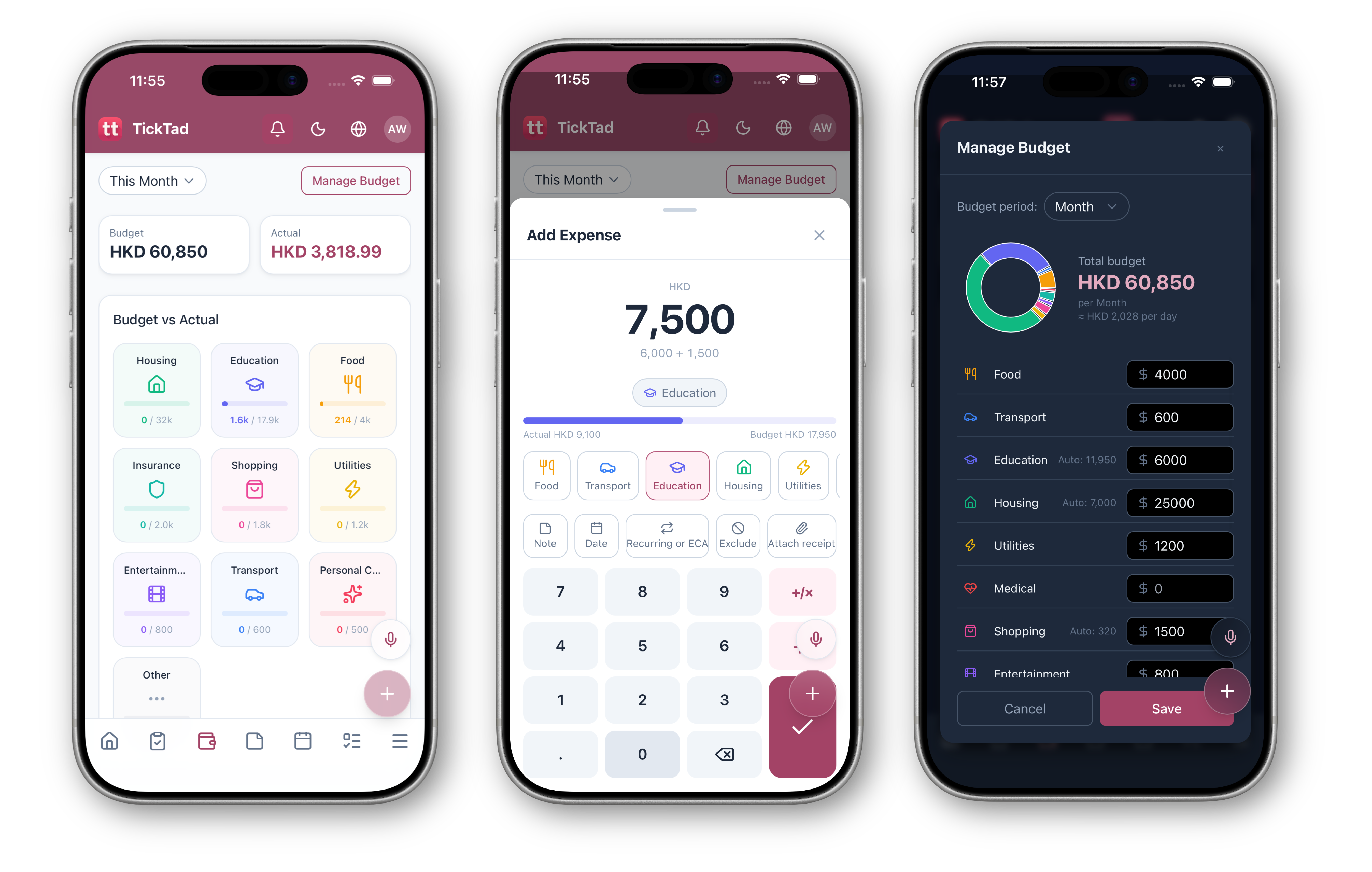
Export or delete your household data when you like — CSV by category and time range.
Receipts and photos are read on your device, not our servers.
Certified & Compliant with
TickTad is in early access — everything is free with all modules, no card required. After launch, a Free plan covers the core modules, Pro unlocks everything, and founding members keep 50% off Pro for life.
Everything free during early access
Everything free during beta, then 50% off the Pro plan for life as a founding member.
We ship regularly. Here's what's live and what's ahead.
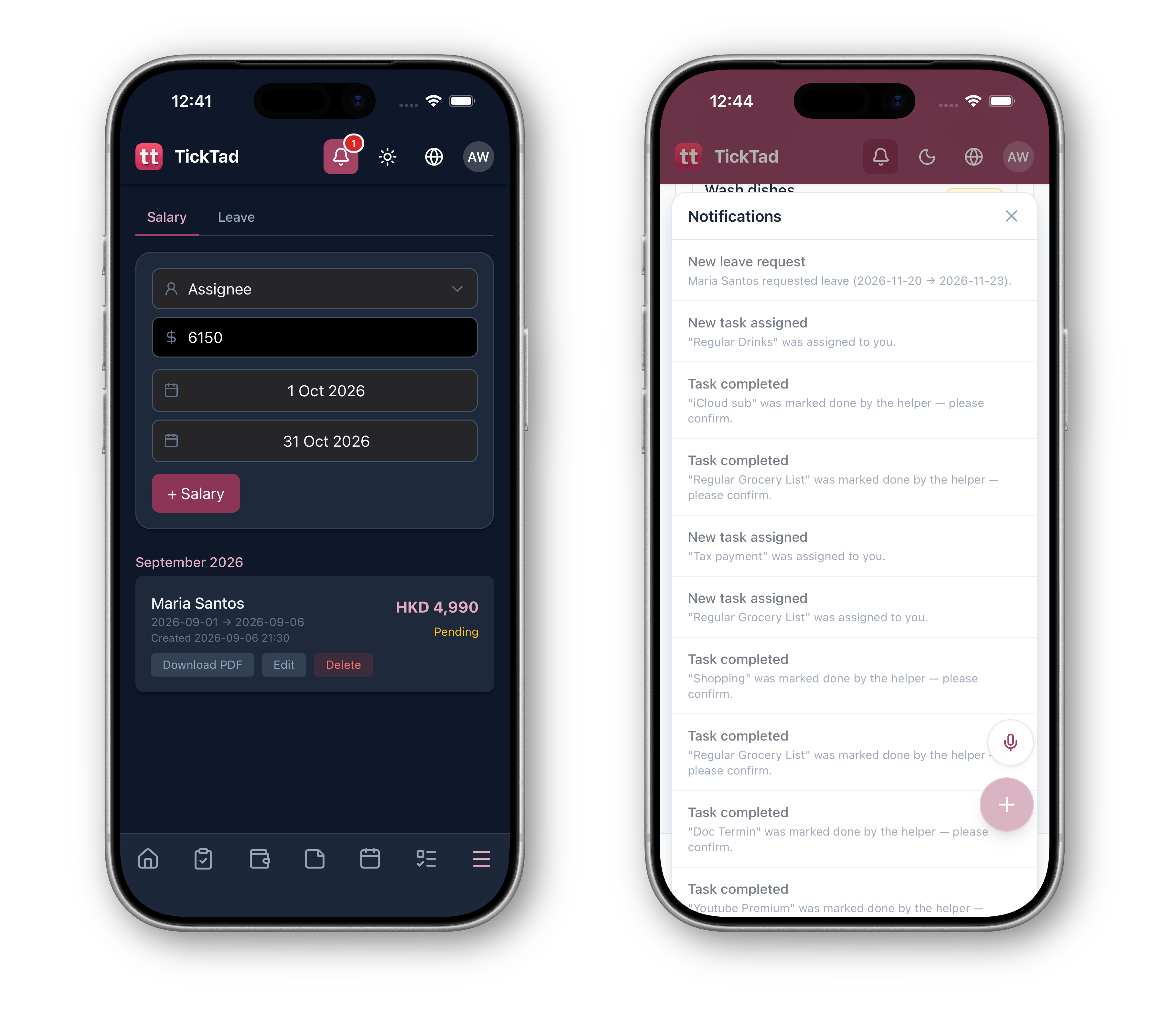
TickTad core modules — Dashboard, Tasks & ECA, Expenses, Todo & grocery lists, Whiteboard, Calendar, Documents, Helper management, Meals & meal plans, and Roles & permissions.
Recipes, a weekly meal planner, discover, community sharing, and shared meal plans.
Light, Dark, System, plus the Barbie and Clash themes.
Download your data as CSV by category and time range, zipped.
Suggested tasks and meals for the week ahead - let AI-empowered TickTad be your smart butler.
Start today in your browser, and look out for the native iPhone, iPad, and Mac apps coming soon.
No download needed — sign in from any browser on Mac, Windows, or your phone. Everything stays in sync, free during beta.
The native iPhone app is on its way — a first-class TickTad experience for your pocket.
The same household hub on a bigger canvas — built for the larger iPad screen and multitasking.
Your household at your desk — the full TickTad experience, natively on your Mac.
Can't find what you're looking for? Contact our support team.
Anyone — from a single person to a full family. It starts with the essentials and grows with you.
Start solo with tasks, calendar, and expenses. Add a partner, then kids and a helper — the right modules switch on at each life stage.
Yes. Invite members by link or QR code whenever you’re ready, and set roles for each person.
That completely depends on your life style! Single with a pet or kid, no problem, switch on the modules you need.
Yes. TickTad works in English, 繁體中文, and 简体中文.
Yes. Shared grocery and to-do lists are live, and meals can be turned into shopping tasks.
Yes. Each household is a private space, and only members you invite can see it.
Yes — everything is free during the early access. After official launch, a Free plan covers the core modules, and Pro unlocks optional modules like helper management, meals, pets, ECA, etc.
TickTad works in any browser on Mac, Windows, or your phone, with a native iOS app coming soon.
Yes. Pick Light, Dark, System, or the Barbie and Clash themes from Appearance.
Yes. Download your data as CSV, by category and time range, from Settings → Data.
Yes. Speak in-app and TickTad turns your words into a scheduled task.
Yes. Publish your recipes and meal plans to the community, and save, rate, and import ones shared by other households.
Publishing, rating, and sharing earns reputation — from Novice up to Culinary Star, shown as a chef badge next to your name.
Yes. Secure the app with Face ID or Touch ID, with a grace period so you aren’t locked out after a quick switch away.
Yes. Set a household base currency, and TickTad converts foreign amounts at the current rate.
Have a question or ready to get started? Our team replies within 24 hours on business days.